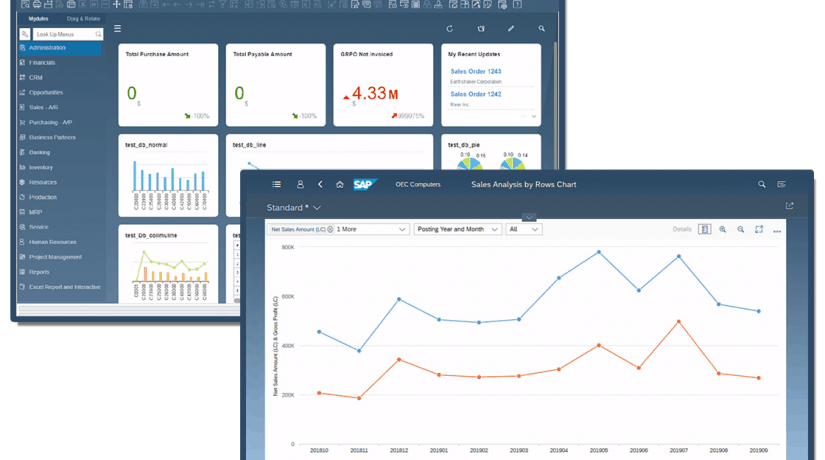
Microsoft Business Central ERP
All-in-one ERP solution that empowers small and medium businesses to streamline processes, gain real-time insights, and accelerate growth.
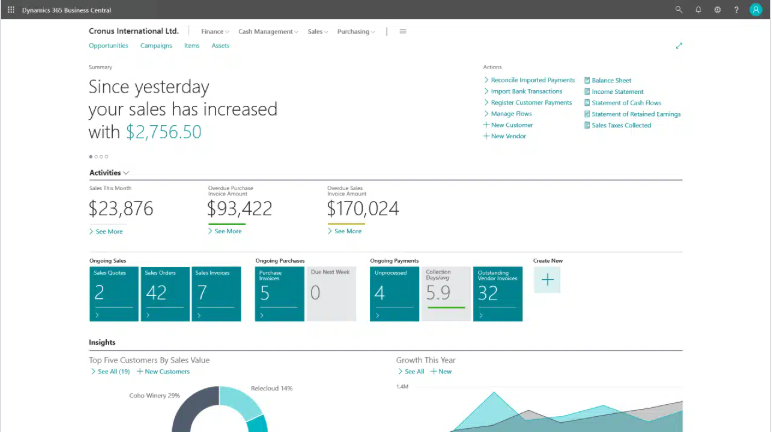
All-in-one ERP solution that empowers small and medium businesses to streamline processes, gain real-time insights, and accelerate growth.
Microsoft Dynamics 365 Business Central (D365 BC) is a cloud-based ERP solution for small and mid-sized businesses. It combines multiple functional areas, or modules, for managing finances, operations, sales, and more in one place. As a cloud ERP, Business Central modules helps companies connect their departments, streamline processes, and make data-driven decisions in one system. In this blog, we will explore the modules included in Business Central and their capabilities.
Microsoft Dynamics 365 Business Central is an enterprise resource planning (ERP) solution designed to help businesses manage finances, streamline operations, enhance customer relationships, and optimize their supply chains. It’s a scalable, cloud-based platform built for small to mid-sized businesses with built-in intelligence to support efficiency and growth.
Dynamics 365 Business Central includes ERP and CRM modules that automate critical functions like accounting, inventory control, project management, and reporting, all in one system. It also integrates with Microsoft 365 (formerly Office 365), Power BI, and other Dynamics 365 applications to create a fully connected and collaborative business environment.
Work smarter, adapt faster, and perform better with agentic resource planning in Business Central—named the best ERP system of 2024 by Forbes Advisor.
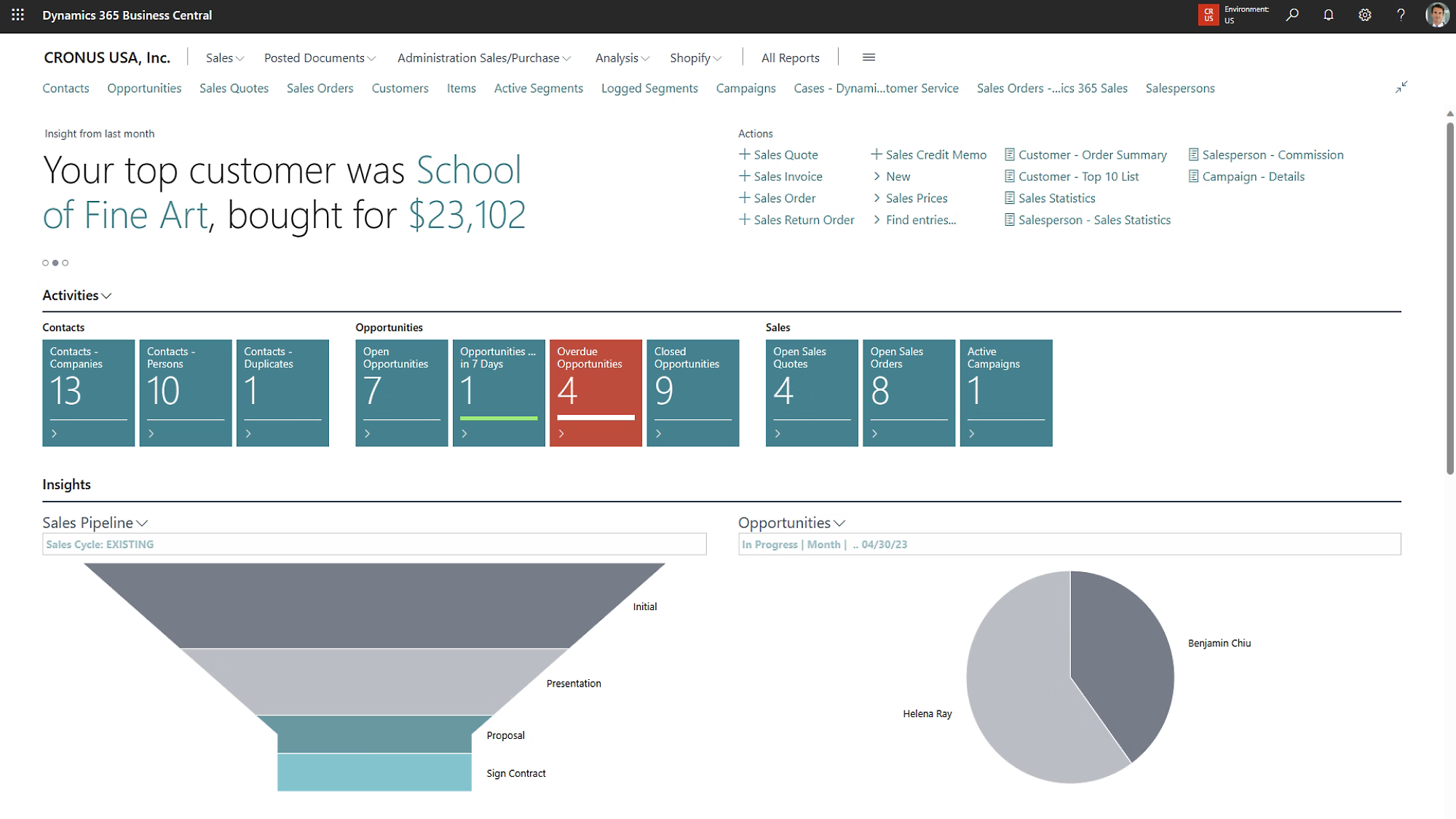
Increase sales with marketing text suggestions from Copilot, customer interaction tracking, and guidance on upsell, cross-sell, and renewal opportunities.
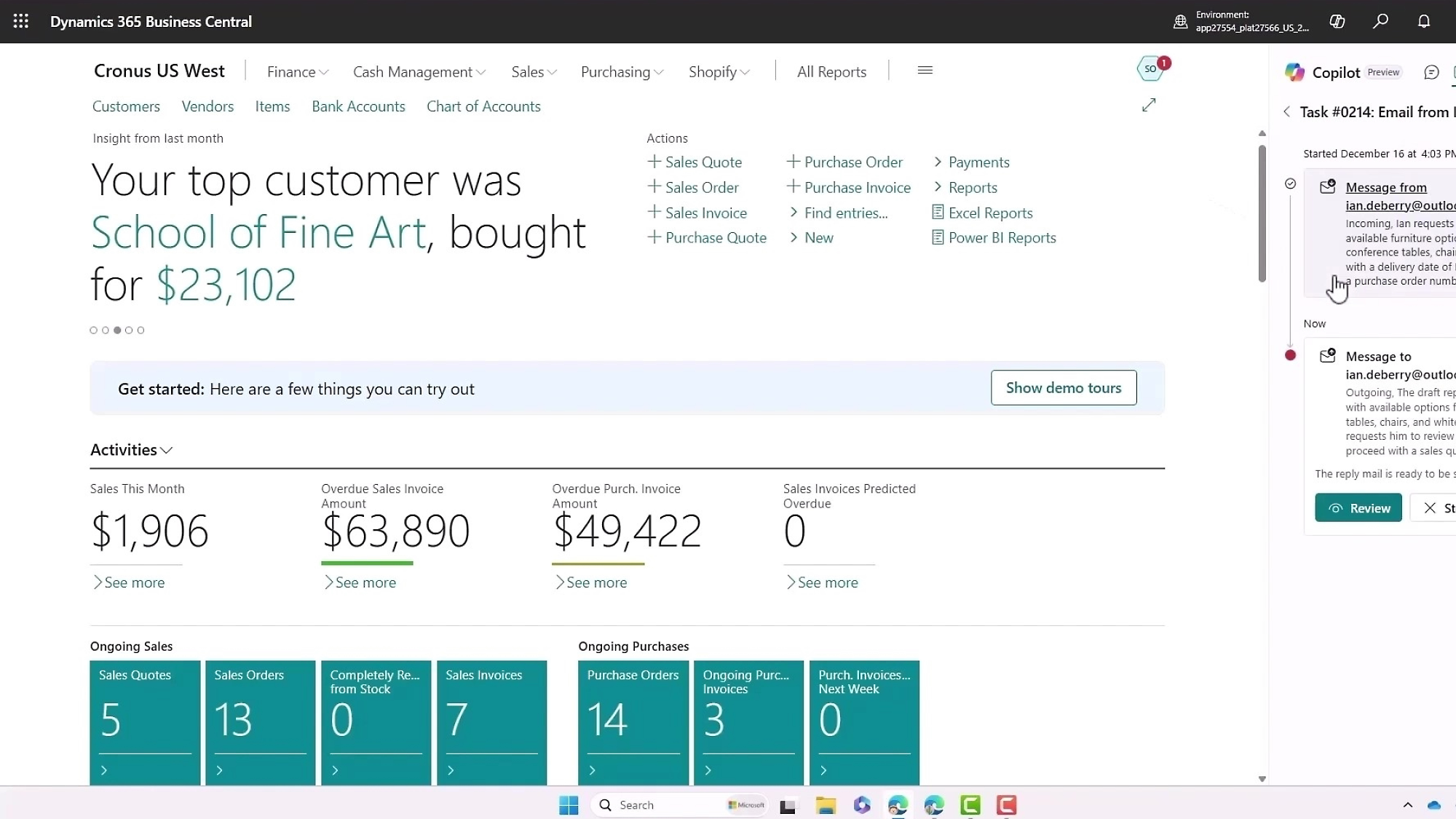
Streamline inbound order taking, quote creation, and sales order generation with Sales Order Agent, now in preview.
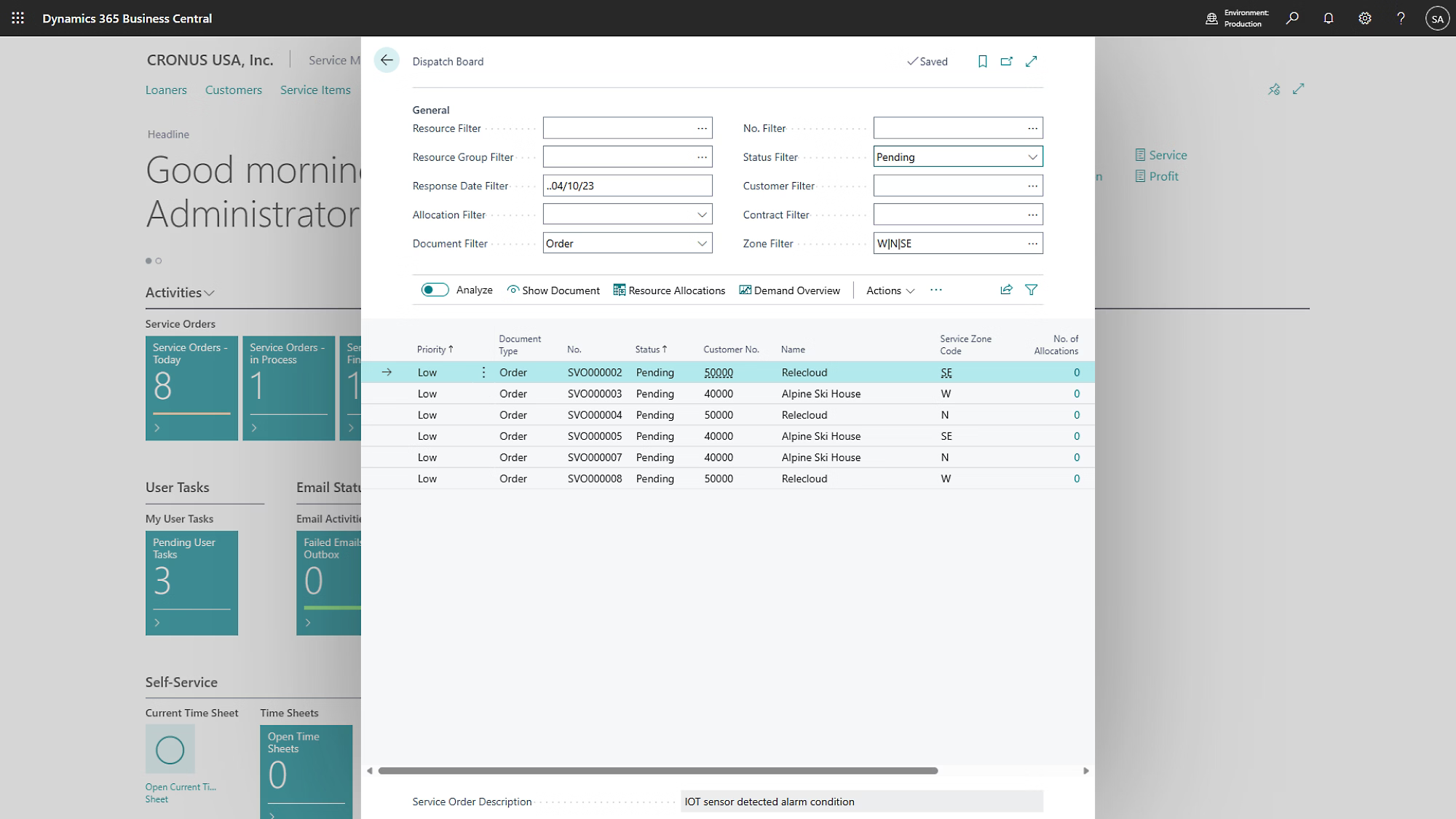
Transition smoothly from sales to service, track customer returns and repairs, and manage service agreements to meet and exceed customer expectations.
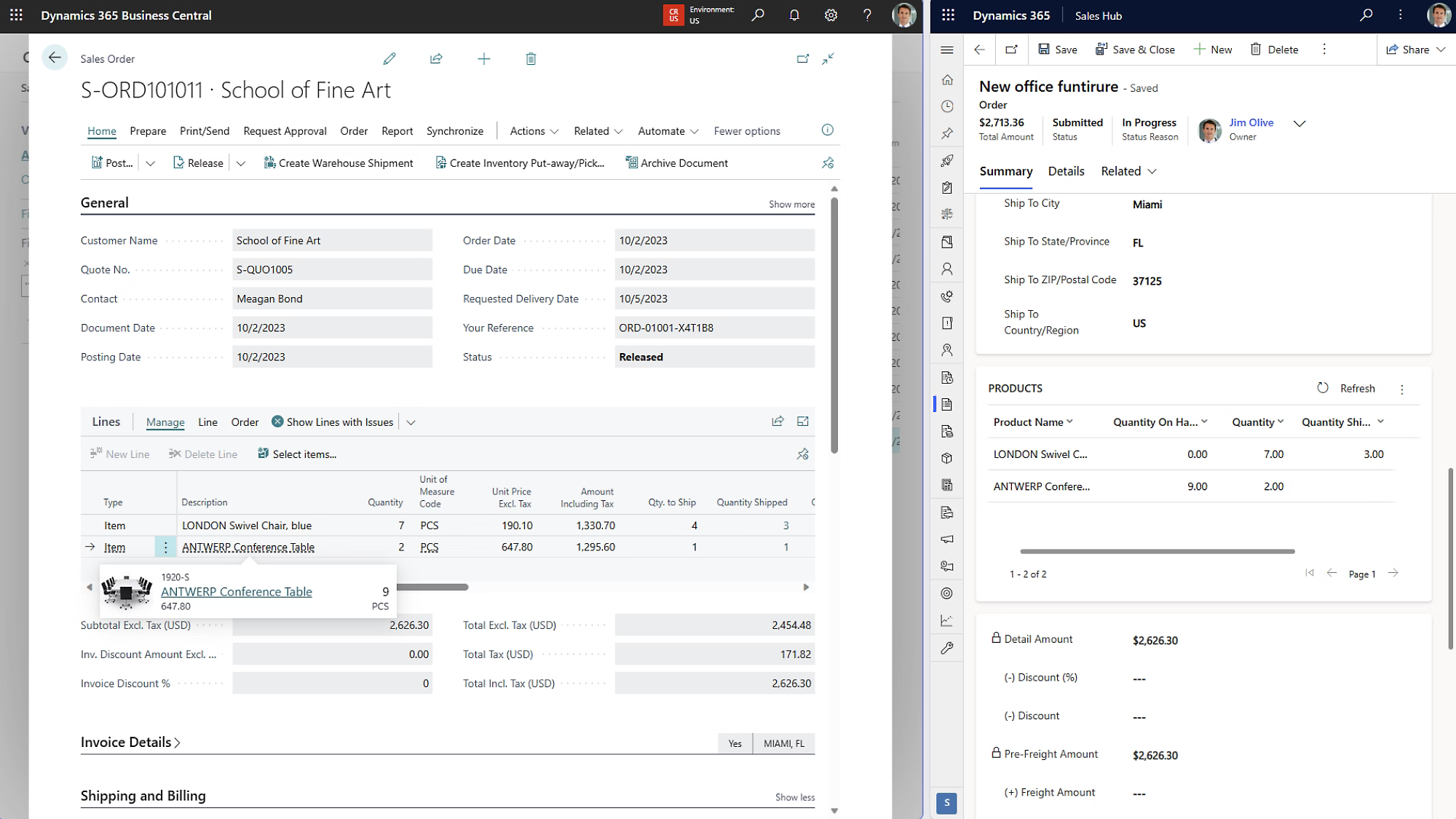
Improve your customer experience by connecting with Dynamics 365 Sales, Customer Service, and Field Service.
Use powerful AI with Copilot and automated workflows to streamline processes, speed up tasks, and make better decisions.
Work with the Microsoft 365 applications you already use, such as Outlook, Excel, and Teams, reducing data entry and switching between applications.
Protect your data while maintaining regulatory compliance with world-class identity protection, role-based access, and encryption.
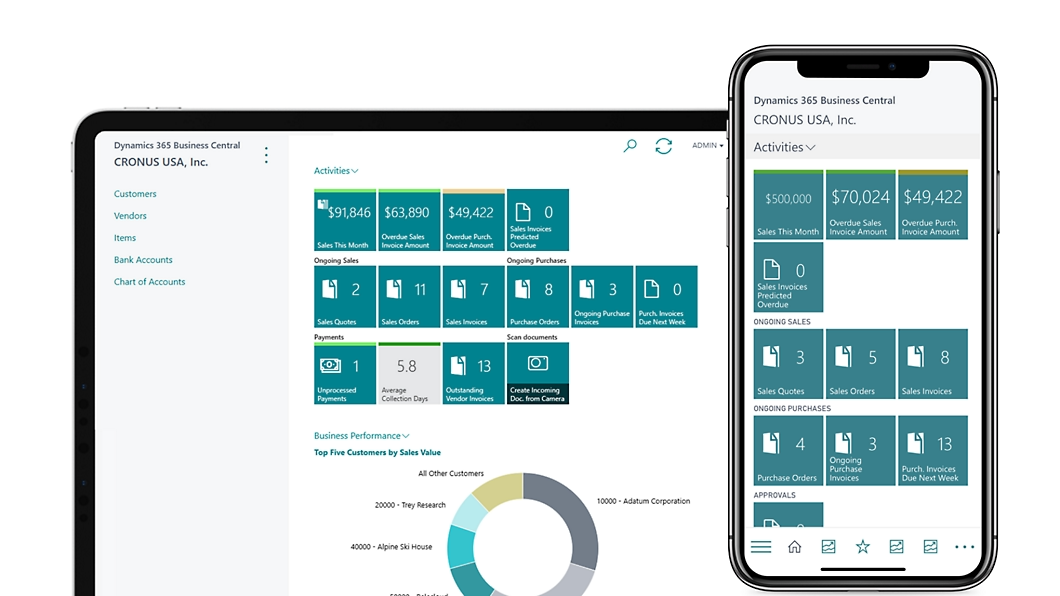
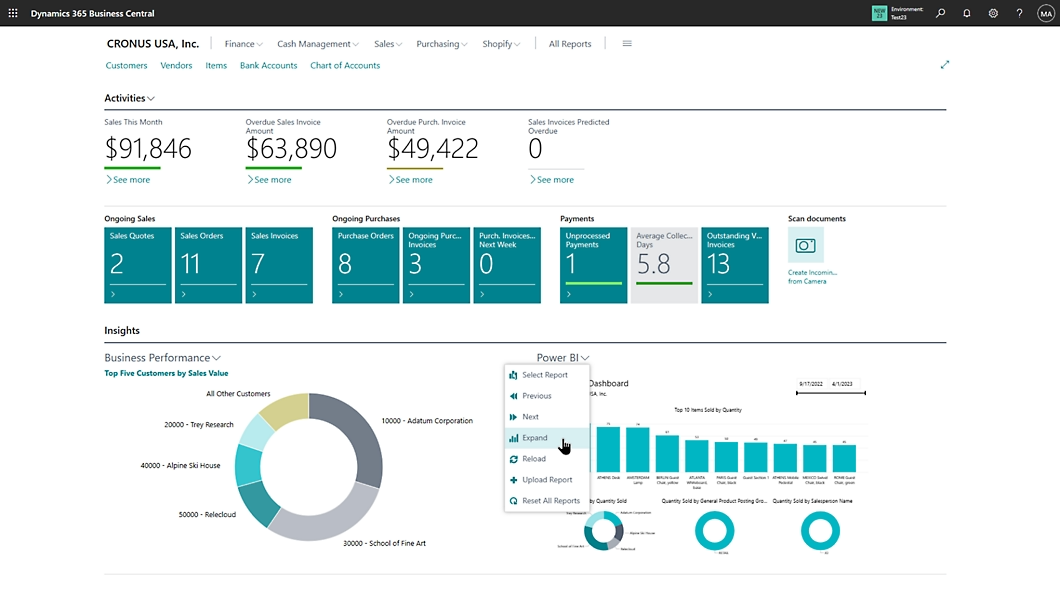
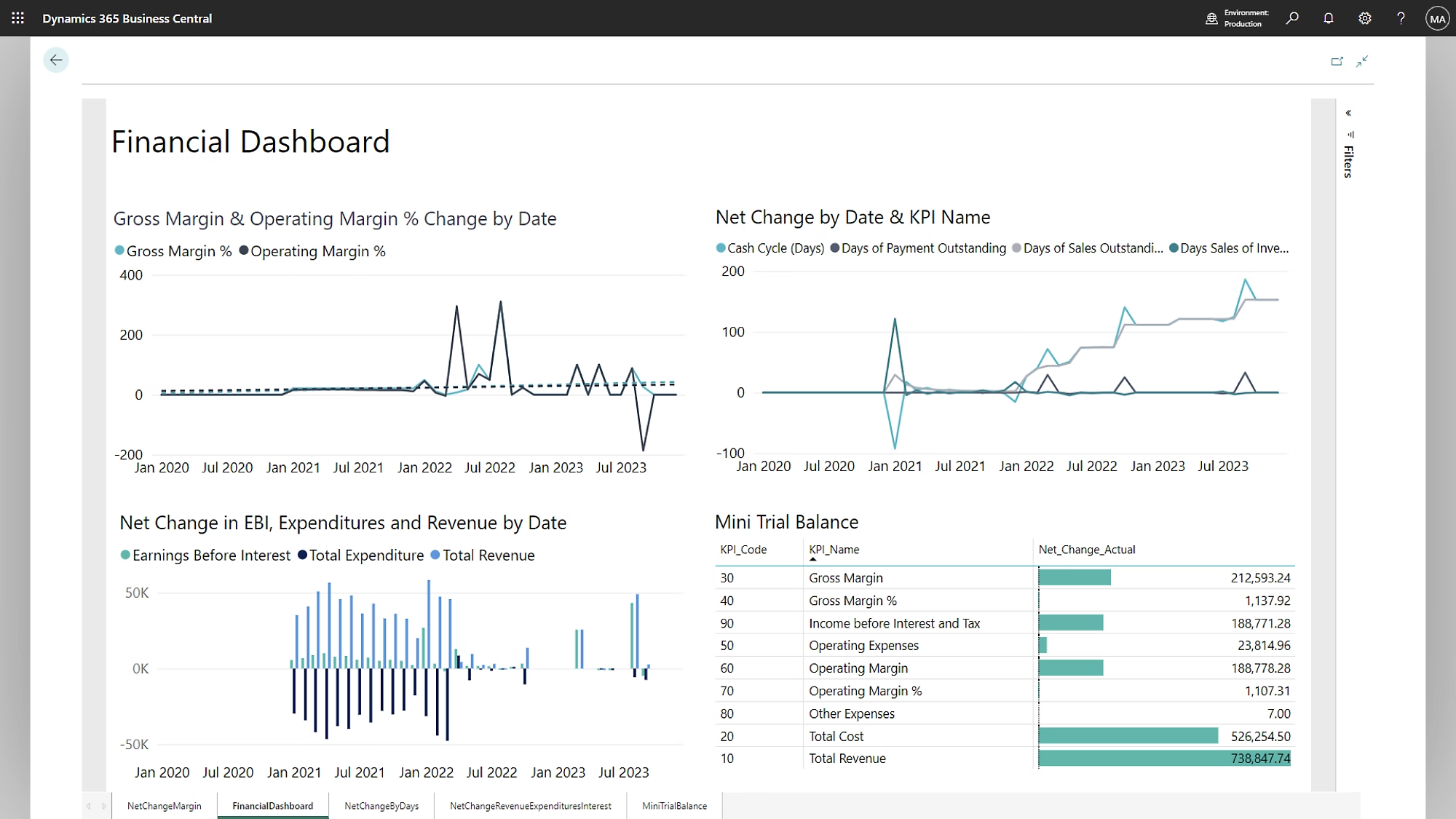
Remove data silos and access business intelligence with real-time dashboards, flexible reports, AI-driven insights, sustainability tracking, and key performance indicators (KPIs) for each role.
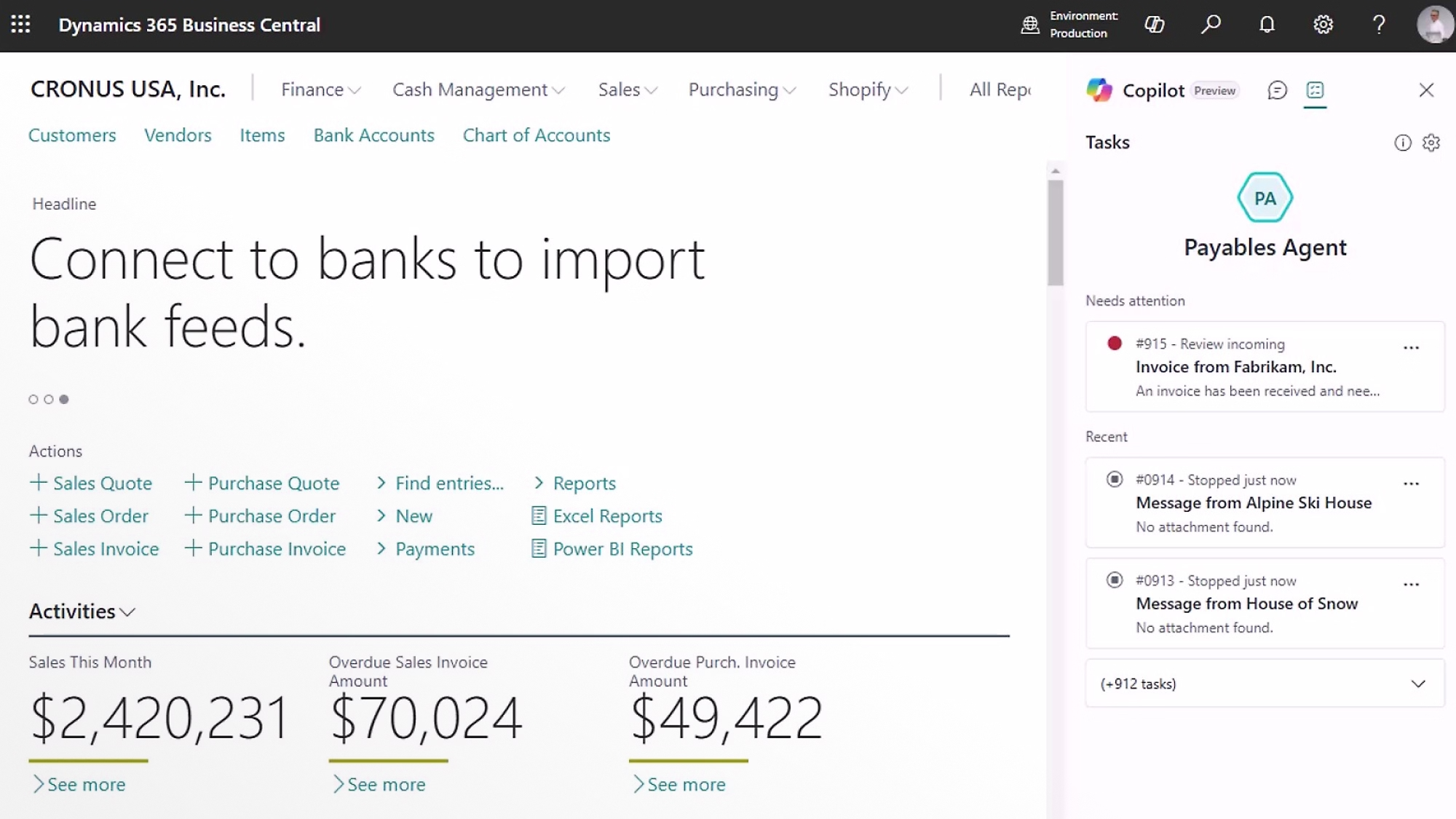
Automate invoice management and save hours with Payables Agent, now in preview.
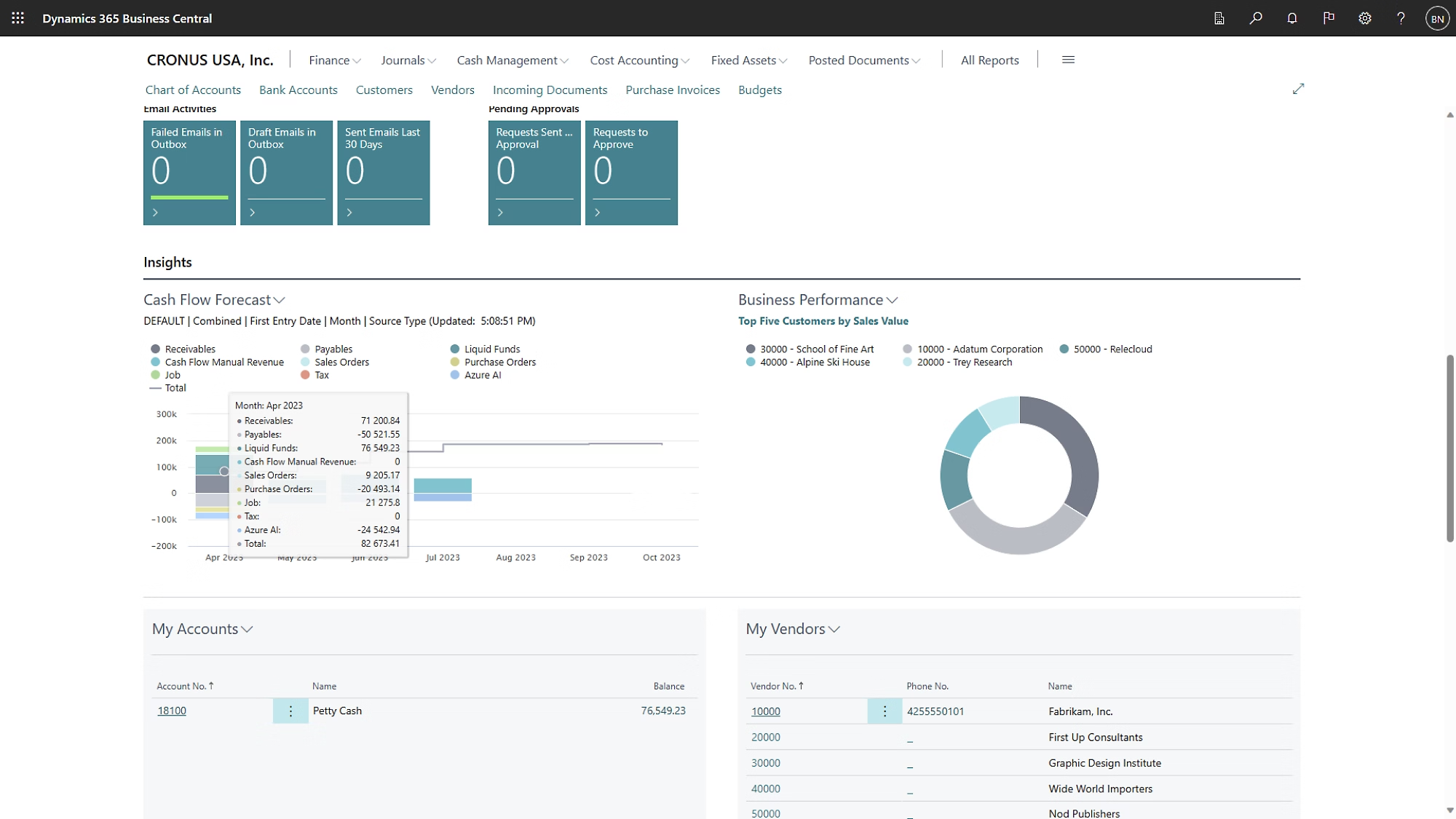
Create accurate cash-flow projections using AI to analyze the financial position of your business.
Make insight-driven decisions with robust reporting, ad-hoc analysis using Copilot, and connections to Excel and Microsoft Power BI.
Support multiple currencies, languages, exchange rates, consolidations, intercompany transactions, and tax regulations.
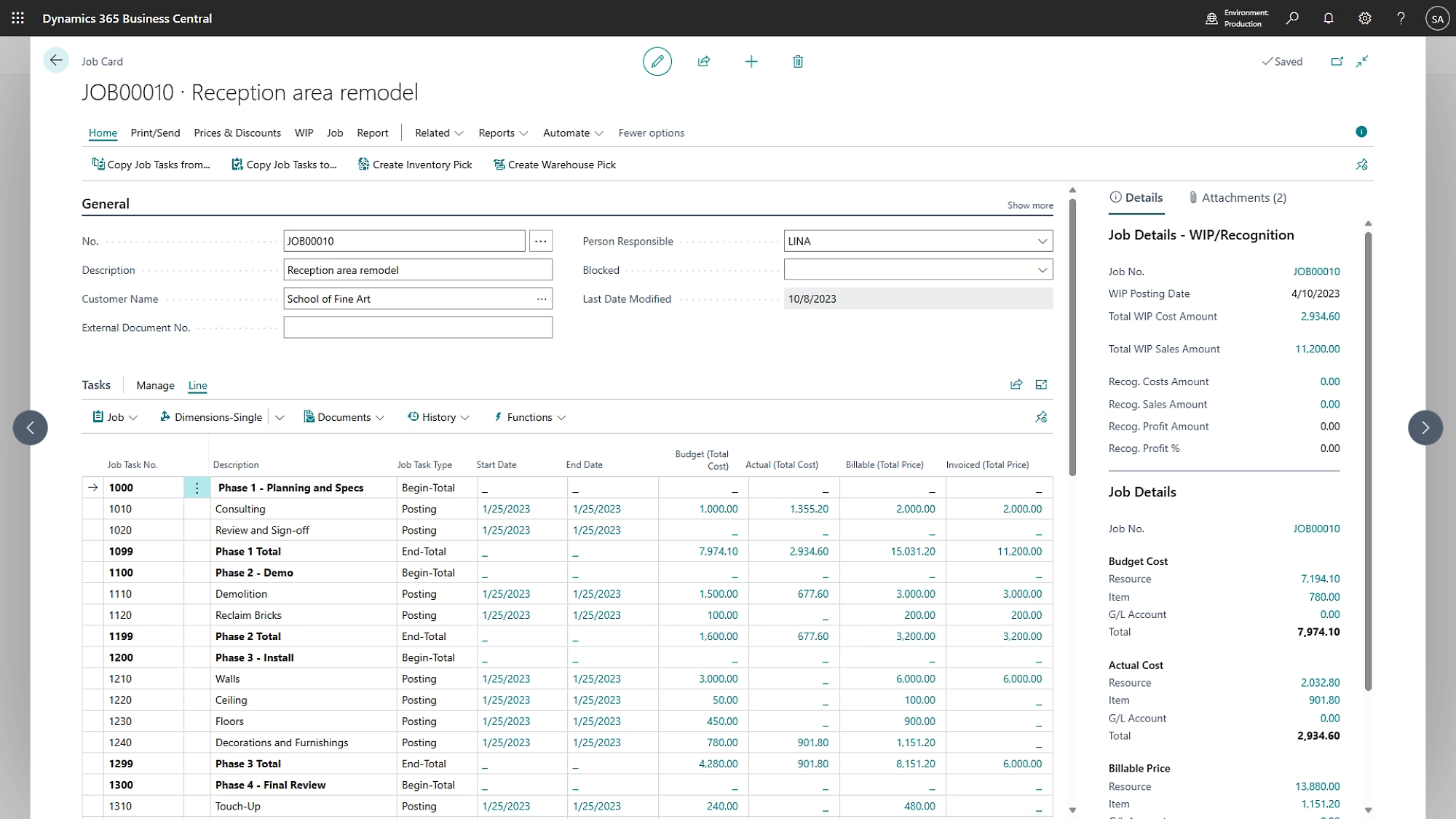
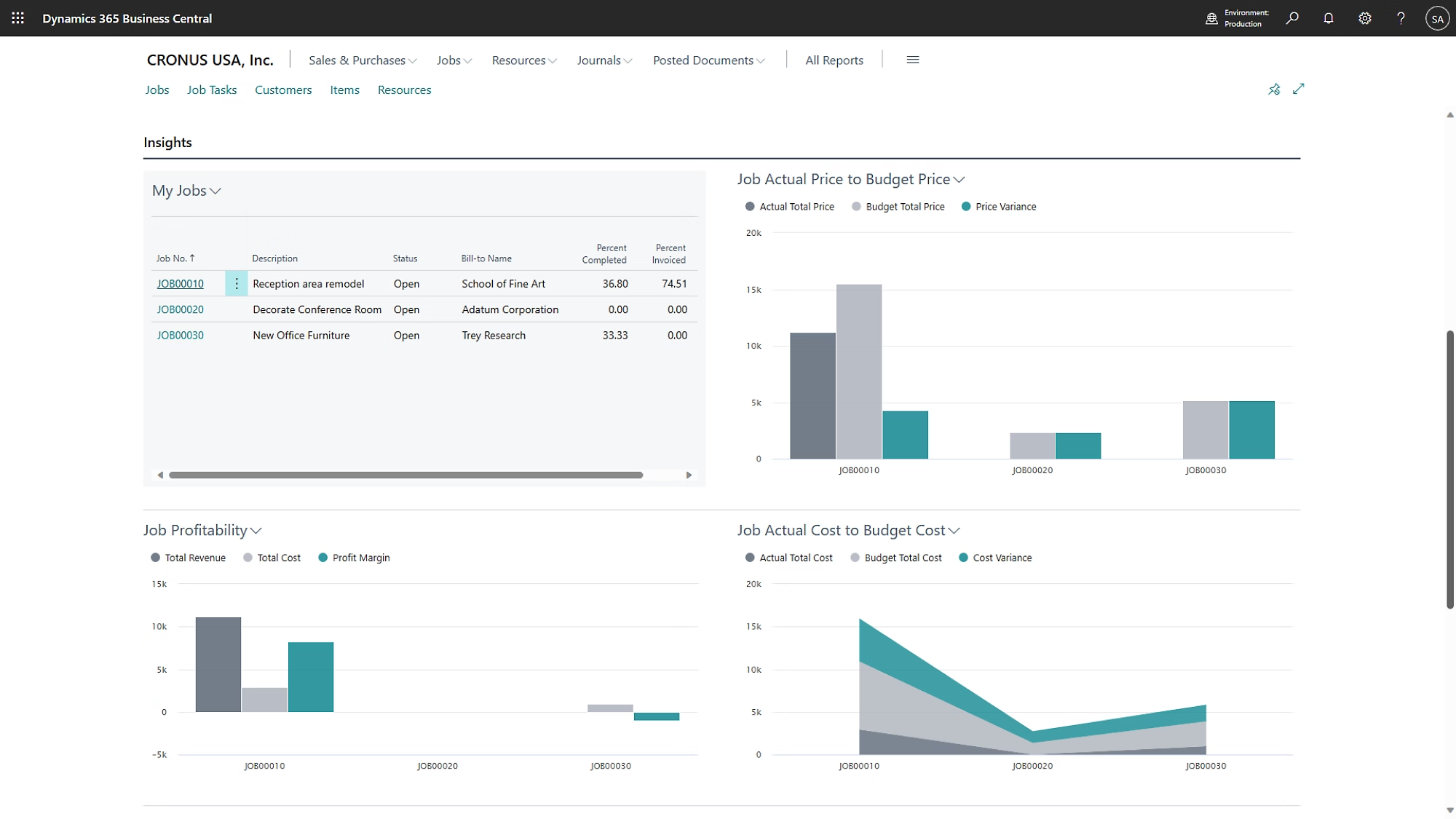
Easily manage projects using timesheets and advanced job costing and reporting. Develop and modify detailed budgets to enhance project profitability.
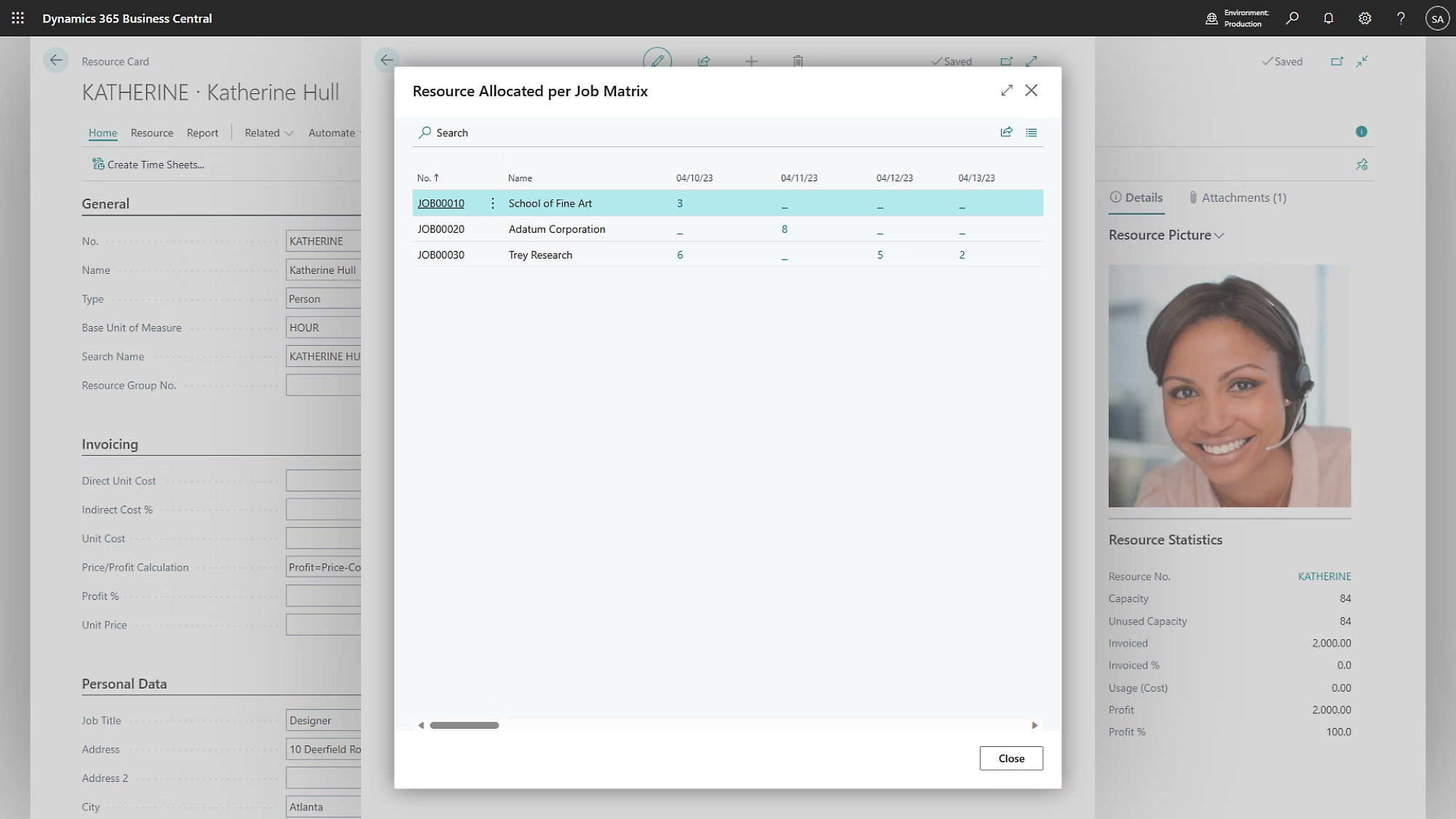
Manage resource utilization by planning capacity and sales. Track customer invoicing against planned or actual costs.
Get real-time business intelligence on project status, profitability, and resource-utilization metrics.
Enable employees to do their best work with role-based access, and foster collaboration by sharing links to projects directly in Microsoft Teams.
Improve your supply chain with vendor management, purchasing, e-commerce with Shopify, order fulfillment, and returns.
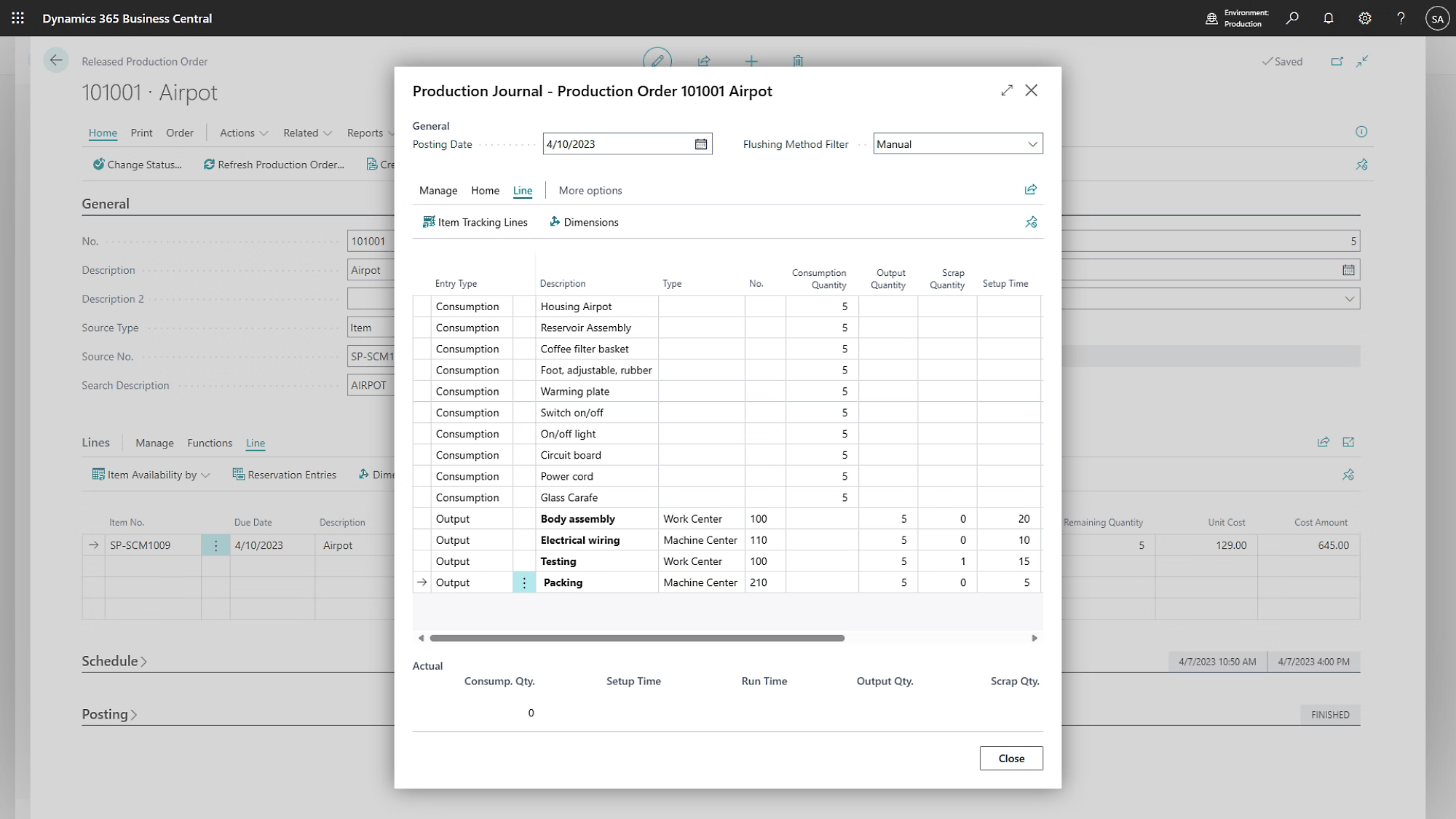
Optimize manufacturing outputs-even in agile and complex environments-with detailed bills of materials, assembly-to-order support, and production orders.
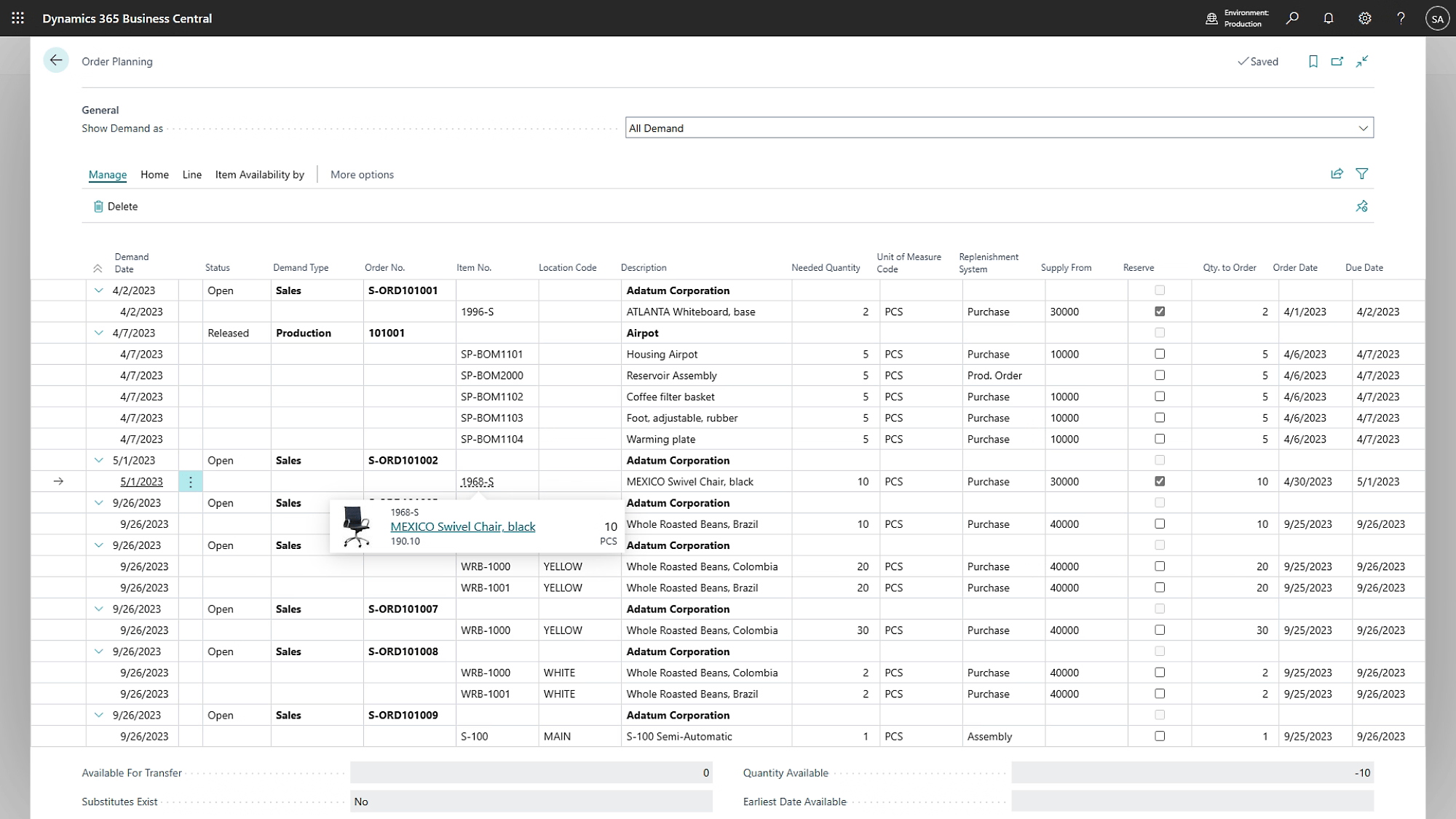
Replenish inventory based on actuals, demand, and availability using AI-powered sales and inventory forecasting.
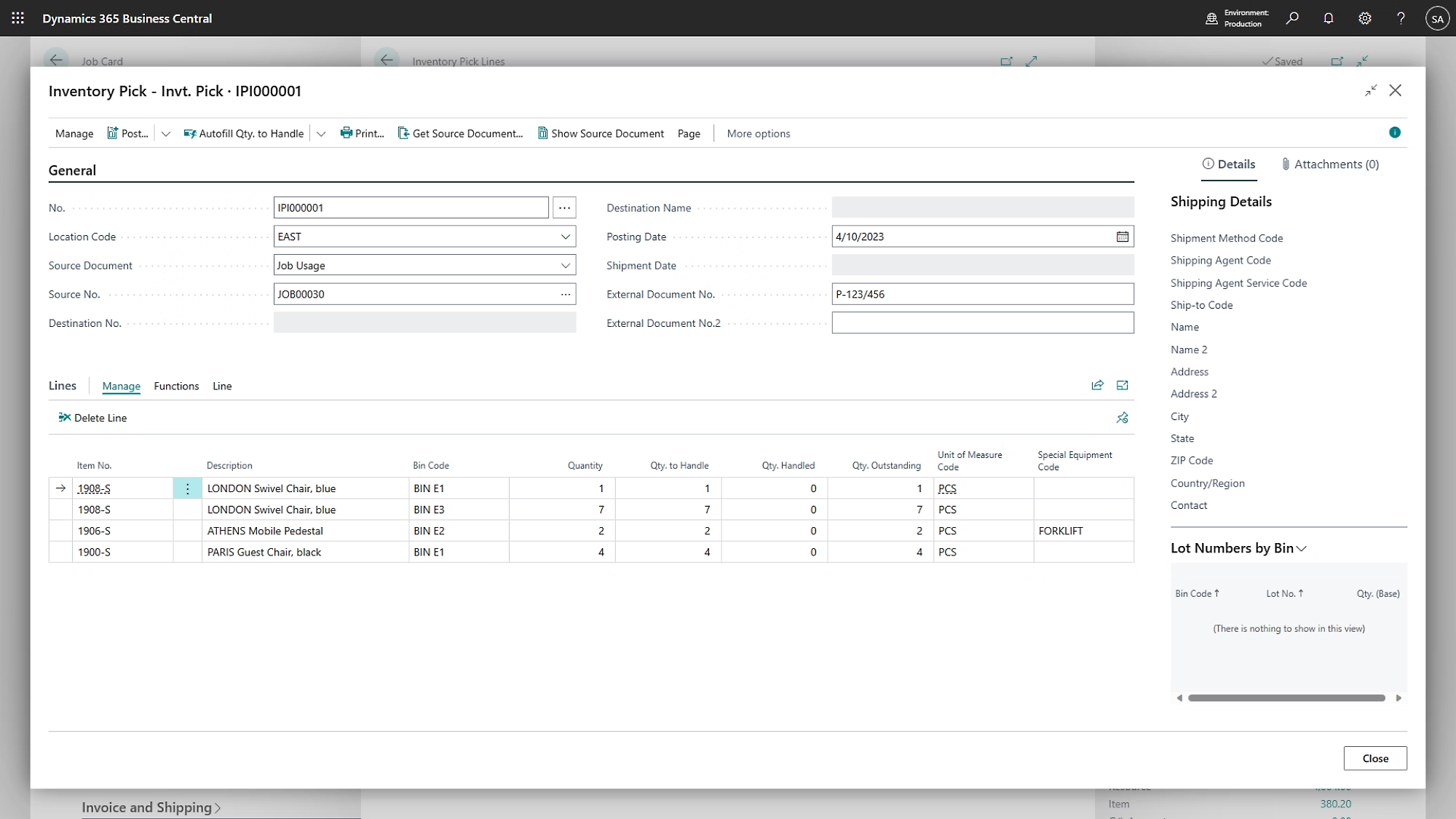
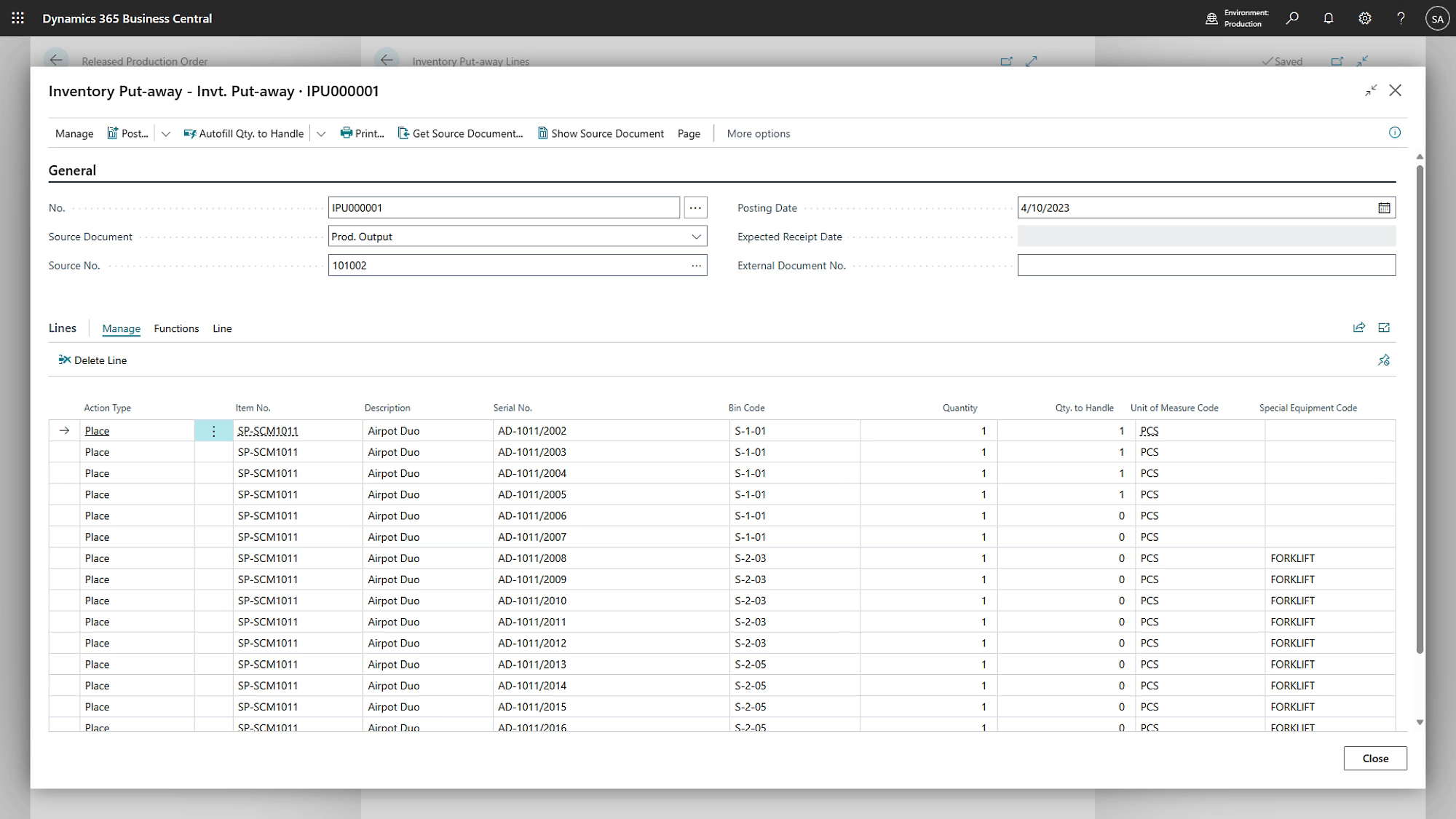
Improve organization within your storage facilities and manage inventory with an easy pick-and-put-away process supported by bar-code scanners.
Scale your business with confidence using the Microsoft Cloud’s secure, reliable, and high-performance infrastructure.
Work from anywhere with full access to your business tools across desktop and mobile devices.
Get up and running fast with quick deployment, easy onboarding, and role-based dashboards supported by built-in training and guided assistance.
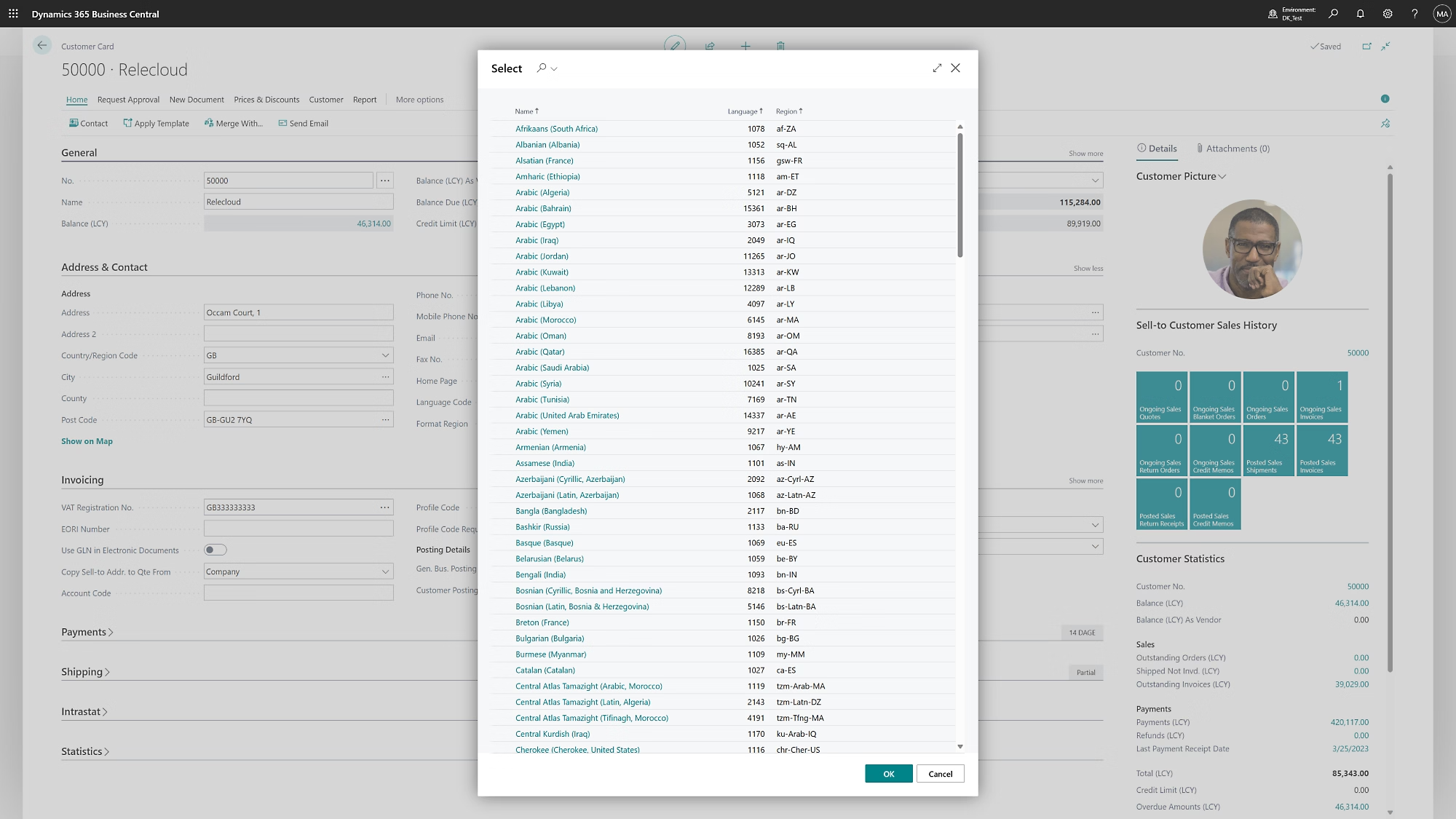
Expand globally with Business Central, available in 47 languages and trusted across more than 160 countries.
Easily track and report greenhouse gas emissions with accurate insights to effectively manage and reduce your environmental impact.
Customize Business Central with prebuilt, industry-specific apps and extensions designed to match your unique business needs.
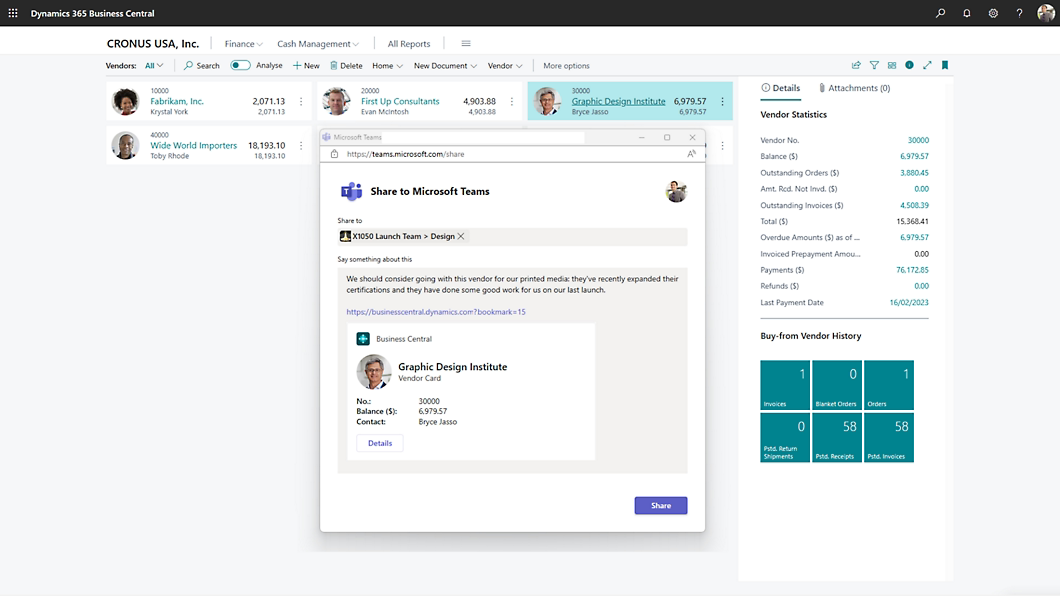
Collaborate seamlessly in Microsoft Teams by viewing Business Central data with your Microsoft 365 license—no extra cost required.
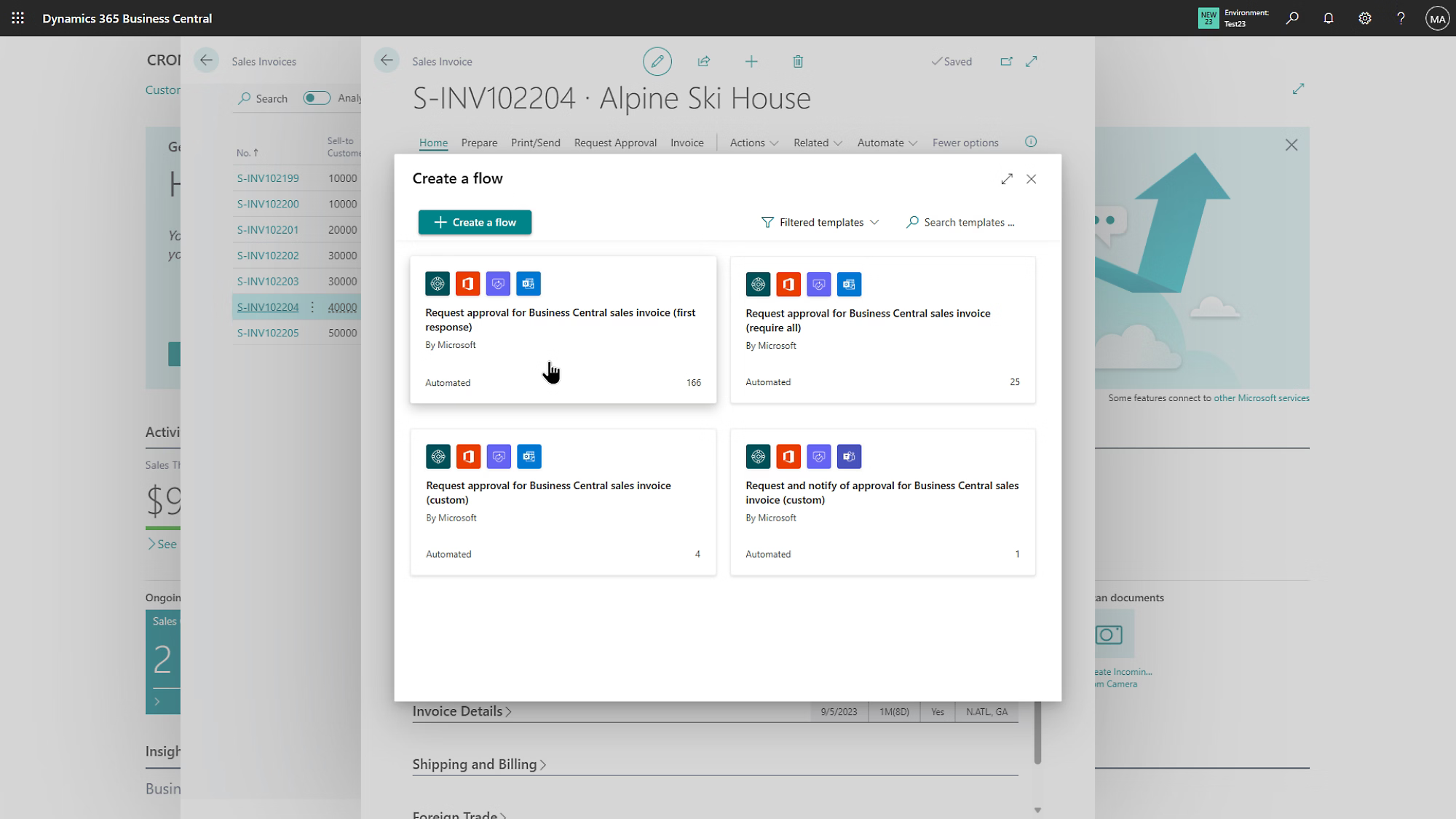
Boost productivity by using built-in workflow templates or creating custom automations with Microsoft Power Automate and Copilot.
Easily connect Business Central with your existing systems, including payroll, using its flexible and open architecture.
The Finance Management module in Business Central streamlines end-to-end financial operations, including budgeting, forecasting, compliance, and cash flow management. It provides real-time financial insights while simplifying complex tasks like multi-currency transactions, fixed assets, and multi-company consolidation.
The Sales & Marketing module in Business Central helps streamline sales processes, manage customer relationships, and run targeted marketing campaigns. With AI-powered Copilot and Shopify integration, it simplifies sales documents, synchronizes eCommerce data, and improves order and inventory management.
The Purchasing & Payables module streamlines procurement and vendor management to control costs and ensure timely payments. It automates purchase orders, invoicing, returns, and supports flexible pricing and multi-vendor negotiations for optimized purchasing.
Inventory management gives businesses full control over stock levels, item tracking, and costing to ensure product availability while maintaining financial accuracy. Users can manage items across multiple locations, track inventory movements, define cost valuation methods, and improve planning with insights into inventory performance.
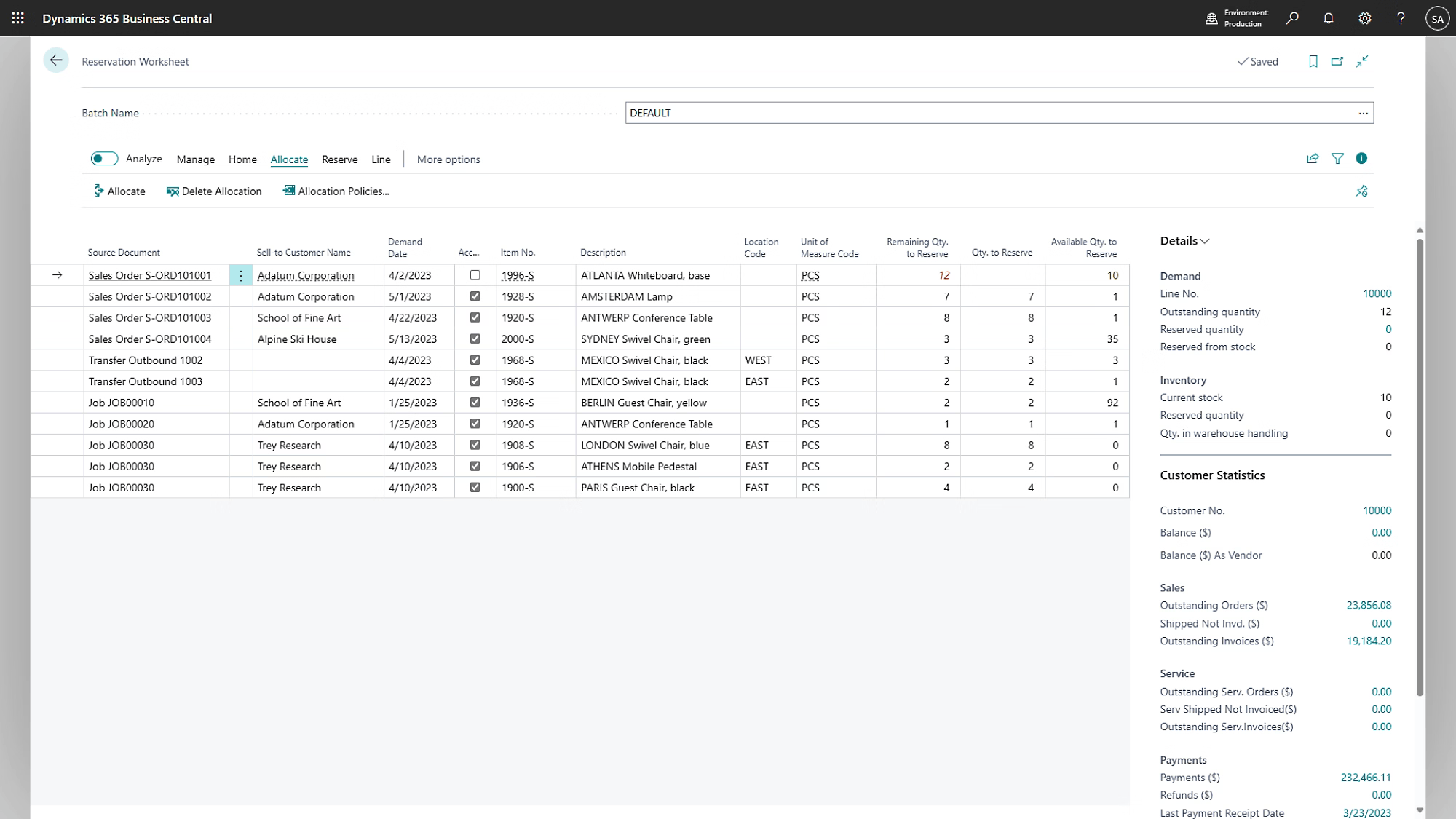
The Supply Chain Planning module in Business Central optimizes inventory and procurement through automated material planning and demand forecasting. Using real-time data and intelligent suggestions, it improves order accuracy while maintaining optimal stock levels and reducing excess inventory.
The project management module (previously called jobs) is for businesses that plan and track projects for customers. You can create projects with tasks and budgets, assign resources to those tasks, and monitor project costs and progress.
The Warehouse Management module in Business Central streamlines inbound, outbound, and internal warehouse operations with flexible workflows and automation. It supports customizable bin management and adapts to both simple and advanced pick-and-put-away processes across multiple locations.
Service management is an additional module only available in the Premium edition of Business Central. It’s for companies that provide services to customers, such as maintenance or repair work.
The manufacturing module in D365 BC offers powerful tools to plan, execute, and optimize production activities. It supports everything from simple assembly to complex multi-stage manufacturing with advanced routing, capacity planning, and subcontracting.
Business Central is an all-in-one ERP solution that manages finance, sales, purchasing, inventory, manufacturing, and projects in a single cloud platform.
Yes. Business Central is designed specifically for SMBs and growing enterprises looking for scalable ERP capabilities.
Absolutely. Business Central offers advanced financial control, automation, compliance, and reporting beyond traditional accounting software.
Primarily cloud-based, with limited on-premise deployment options depending on region and version.
Yes, with localization support for GST, tax reporting, and statutory requirements.
Yes. Business Central can be extended using Microsoft Power Platform and custom extensions without affecting upgrades.
Access a complete set of resources including industry-specific solution documents, real-world case studies and customer success stories, step-by-step implementation and migration guides, along with the latest webinars and product updates—all designed to help you get the most value from your solution.
Get a complete overview of Business Central capabilities, features, and deployment options in a concise brochure.
Download BrochureWatch short demos to see how Business Central simplifies finance, operations, sales, and supply chain management.
Watch DemosAccess functional guides, implementation best practices, and user documentation for Business Central.
Explore GuidesNot sure where to start? Speak with our Business Central experts to get tailored guidance for your business needs.
Get the Consultation